Black Friday and Cyber Monday Sale Ends Nov 30 at 11:59 PM ET
Teach them to
think before they click
Give your kids the tools to navigate the online world safely and confidently.
Ages 8-16.

Think Before You Click brings peace of mind to parents whose children are getting a device, or already have one. It helps your child build the confidence to navigate the online world safely. The course covers what’s out there, protecting privacy, spotting unwanted contact, and speaking up when something feels off. You and your child set a family tech plan together, so they make good choices with you beside them.
It’s a self-paced online course taught by Nurse Natalie, a registered nurse with 16+ years of clinical experience who has spent years educating families. It’s built for you and your child to go through side by side. You don’t need to be tech savvy, Nurse Natalie guides you every step of the way.
Five things every family should talk through When getting a Device
Here's what The Course Covers
What's Out There
Texting, disappearing messages, livestreams, and how content finds you.
Strangers Online
Warning signs, gaming chat, and what to do if something feels off.
Digital Consent
What sexting is, why photos never stay private, and what the law can mean for teens.
Cyberbullying
How to spot bullying online and how to help, whether your child is being bullied or is the one doing the bullying.
A Family Tech Plan
House rules, free parental tools, and a shared pact.
Built to watch Together

Pause and talk
Short questions along the way, like "Has anyone online asked you to keep a secret from me?" Hit pause as often as you need.
Device check-in
If your child has a device you go through each app together and decide what stays and how it's set up. I walk you through the steps to set up parental controls.
A pact for the whole family
A simple promise: no matter what happens online, your child can always come to you, and you'll handle it together.
Steps to take if your child is in danger
Resources and step by step guidance to protect your child.
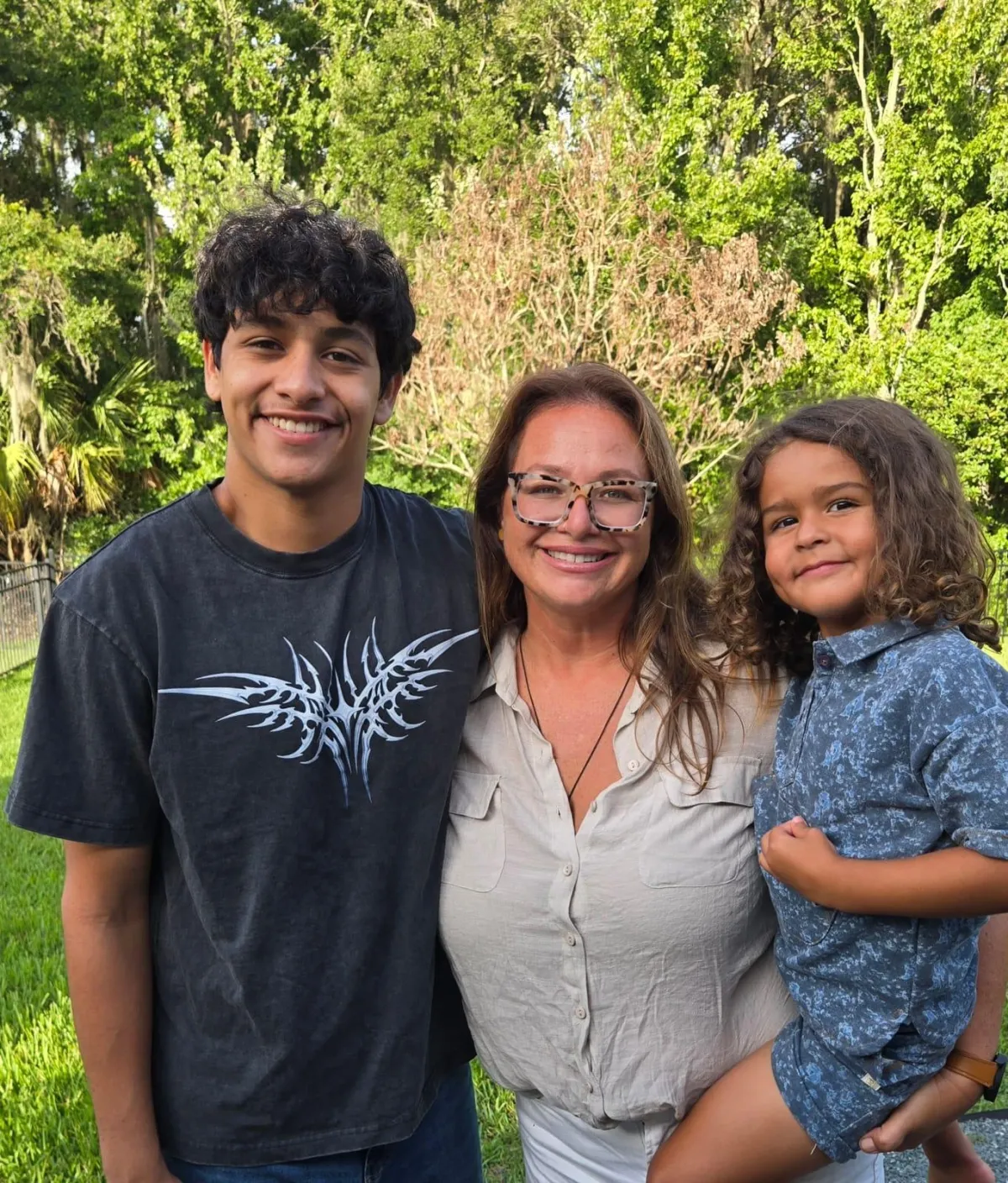
Hi I'm Nurse Natalie!
A registered nurse with 16+ years of experience, and a mom to a teen and a little one.
When my oldest got his first device, I wasn’t prepared. I didn’t grow up with cell phones or iPads, and I didn’t know what to watch for. One day he came to me and said he had made a best friend online, a stranger he’d been playing with for several weeks on his gaming console. The stranger asked where he lived and offered to send him a gift, and he gave his information. He put himself in danger without even knowing it.
That moment showed me that parents need to be involved in protecting their kids online. We have to teach them how to stay safe and what to look out for. But it was only the start. As he got older, there were more things to worry about, like pictures being sent, bullying, and social media. We realized we had to get ahead of the game instead of playing catch-up, and that meant educating ourselves about what our kids are exposed to.
I created this course because I want to help other families prevent this from happening to their children and set them up for success.
Here's A Quick summary Of everything You’re Getting For Just $127 $27.00 Today Through Cyber Monday
Think Before You Click
Feature #1: 60 minutes or less of self-paced video lessons
Feature #2: Built for parent and child to go through together
Feature #3: Printable Family Tech Plan
6 months of access


frequently asked questions
Do I need to be good with technology?
No. The course starts from where your family is today. You don't have to know every app to start.
What if my child is older and already on social media?
Ask to be added as a friend or follower so you can see what’s posted. The focus is on their own judgment and consent, with regular check-ins.
What if my child already has a phone?
You go through each app together and decide which ones stay and how they’re set up.
Do we need to finish it in one sitting?
No, with 6 months of access, you can pause, come back, and move at whatever pace keeps them actually engaged. The goal is retention, not speed.